GmCat Software · Free Open source
Purrsay
Talk and it types.
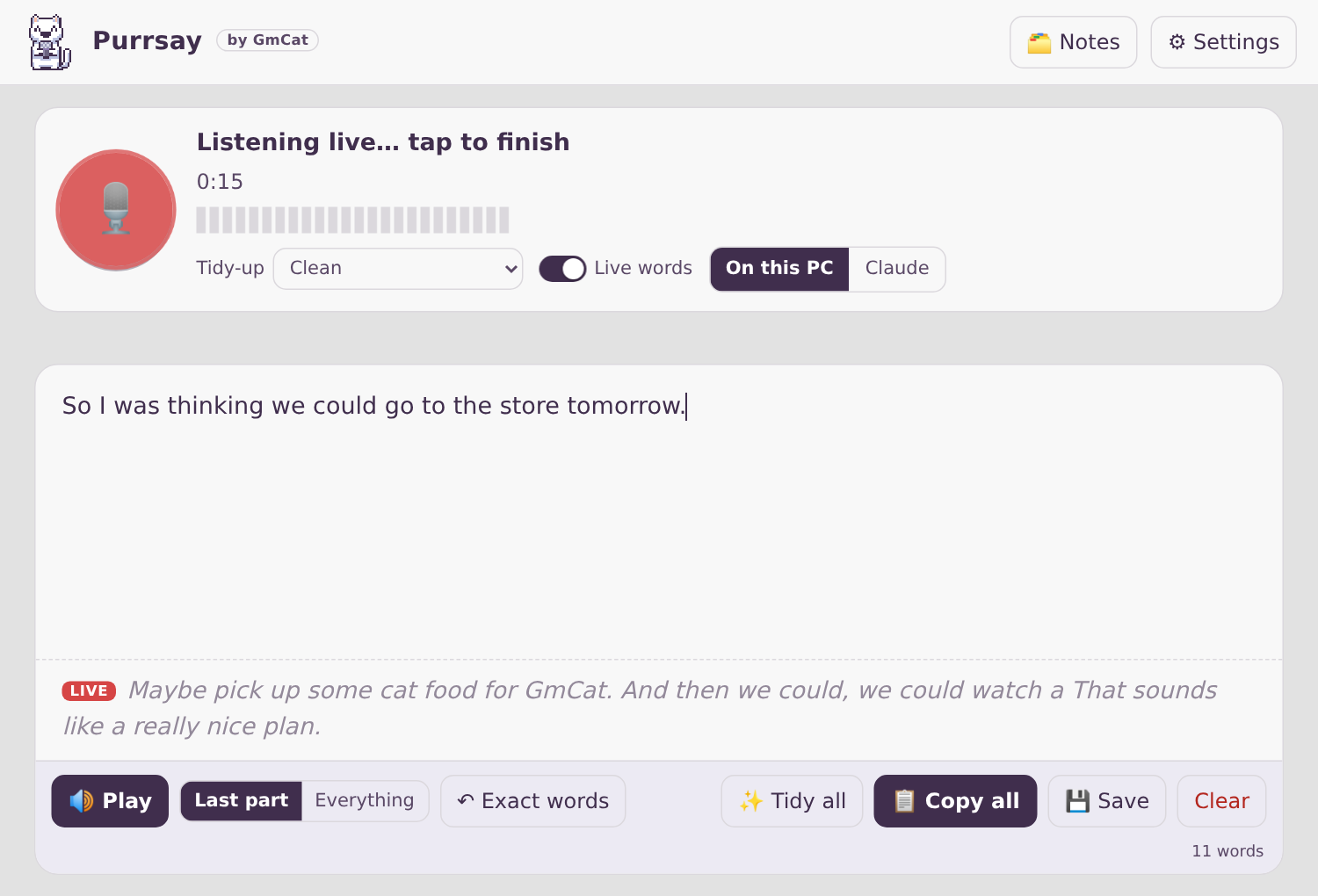
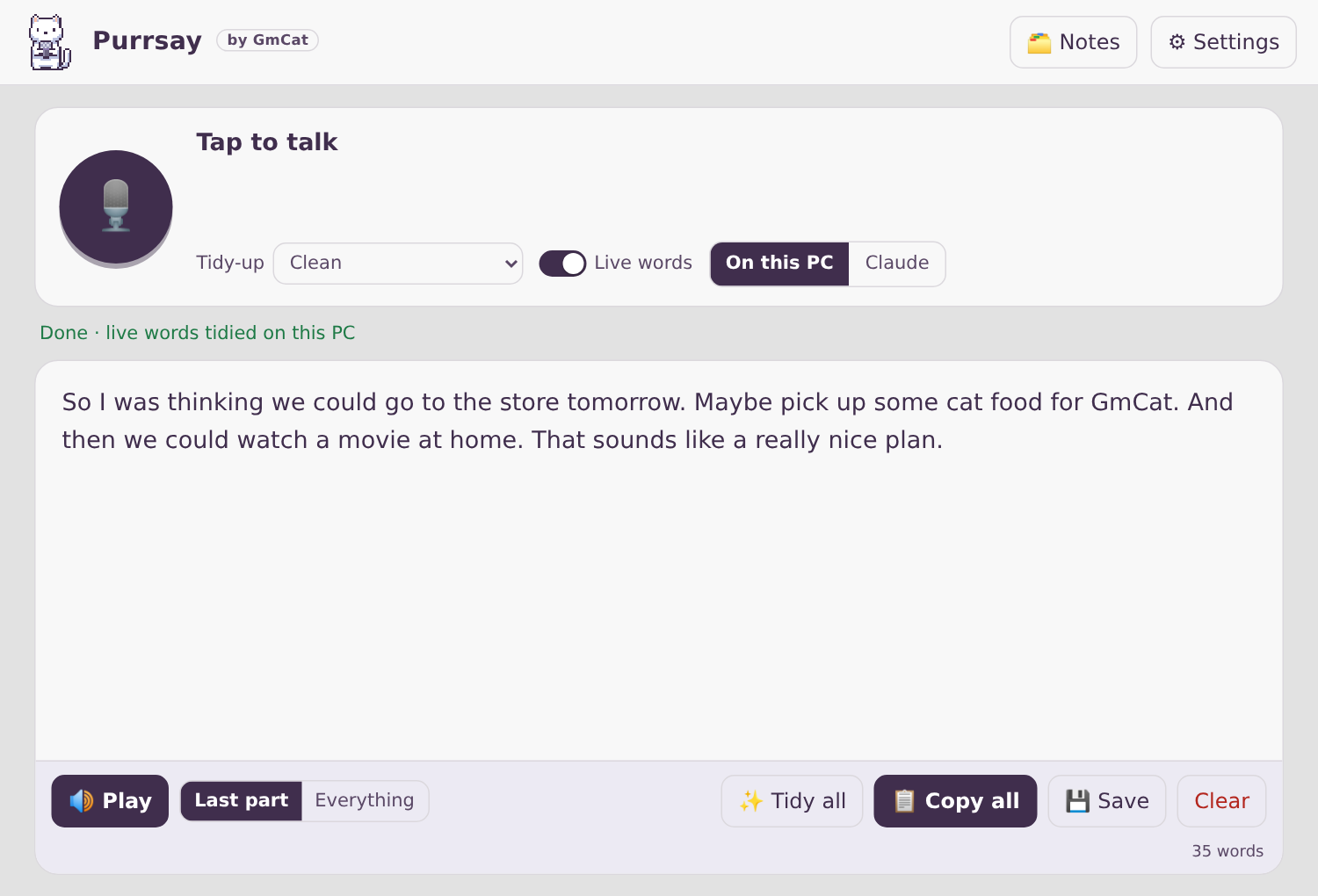
Purrsay turns your voice into text on your computer. Tap the mic, talk the way you'd talk to a friend, and your words appear with punctuation in the right places and the ums and repeats taken out. Fix anything you like, copy it anywhere, or press Play to hear it back. After a one-time download it works without the internet.




Her moods
- ReadyTap the mic.
- ListeningWhile you talk.
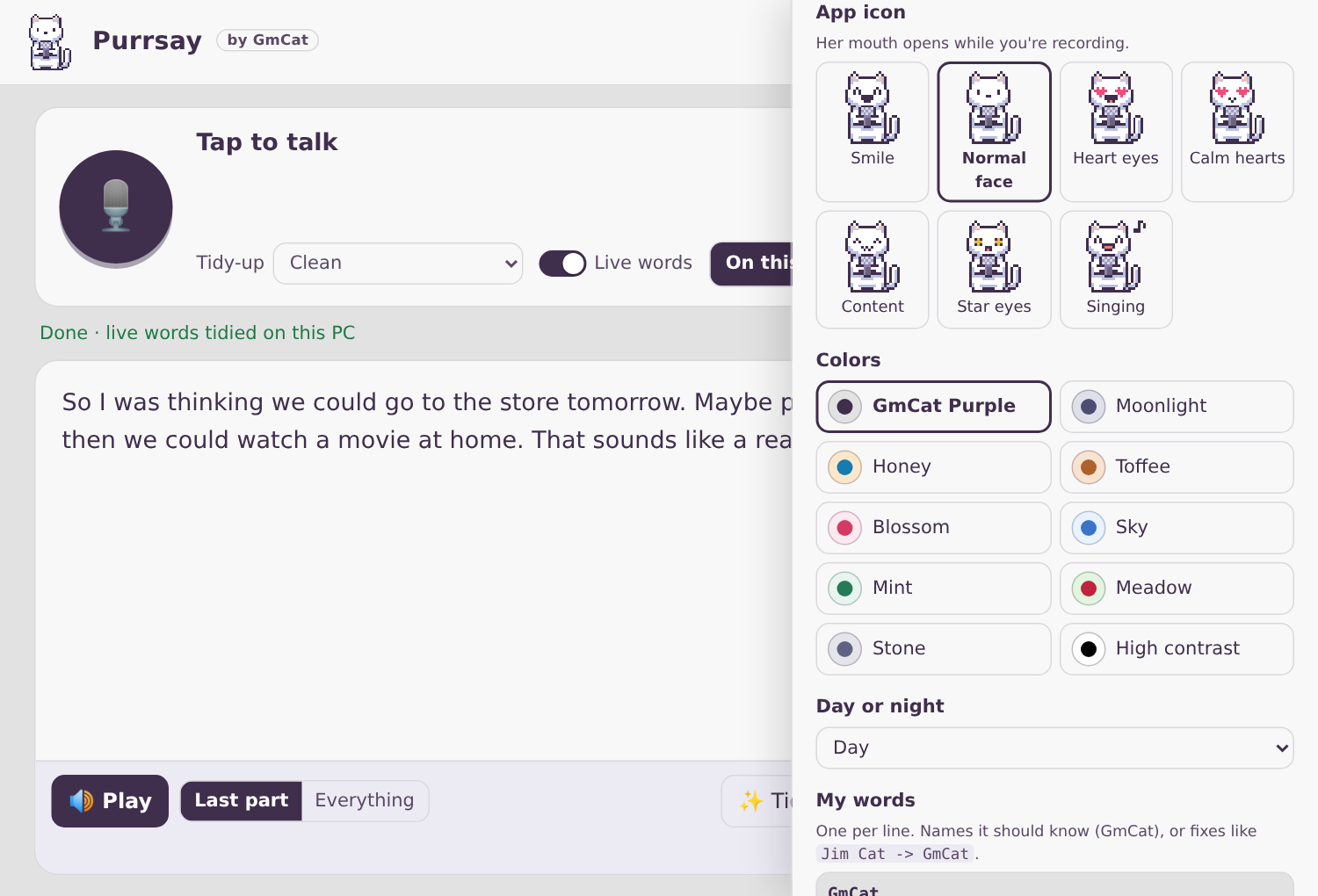
- Heart eyesPick your icon.
- SingingNote included.
What it looks like
What it does
Tidy-up your way
Exact (word for word), Clean (punctuation, no ums or repeats) or Polished (small grammar fixes). "Exact words" puts back what you really said.
Live words
See your words while you talk; each sentence is tidied at the pause.
Hear it back
Play reads the last part, everything, or what you select, in a natural voice.
Knows your words
Teach it names and fixes, like "Jim Cat -> GmCat". Spell check underlines the rest.
Works offline
After a one-time download (about 1.9 GB), it needs no internet at all.
Private by design
No account, no tracking, nothing uploaded. Your voice never leaves your computer.
Download
Free. Files come straight from GitHub.
Windows
Version 0.4.0Windows 10 and 11, 64-bit. Installs just for you, no admin password. Opens in Microsoft Edge's app mode.
aebf745c4791665bf46c15f67a55ae97668740ace798565be79541ea125047c4Mac
Version 0.4.0macOS 11 or newer. Apple chip (M1 and newer) or Intel: pick the matching file. Drag into Applications; first time: Privacy & Security → Open Anyway. Reads back with the Mac's own voices.
801c66fa681a414d9ba00bd50a4cc520934d1667fd621a499dd3d3dcc1531a2b0a3142fc1c308c2c0ce2c4f733c50c8959f196ec13252adced3c7a15f0649a25Linux
Version 0.4.064-bit PC from about 2013 on, Linux from 2020 on. Unpack, then run ./install.sh (no password needed). Opens in Brave, Chrome, Chromium, Edge or Vivaldi, or any browser.
a4d8dbffa02be4c7af07ced57a293f13f6880c04d310ab000d49badd78ca673dAndroid
Version 0.4.0Android 8 or newer, 64-bit. Listening and basic tidy-up on the phone, read-back with the phone's own voice; 148 MB first-run download.
4fd934c4adc7f8cc19be4a613e1e506239a9ee021a89db7dbf92651d699a647b
Check it yourself
The full code is public at github.com/GmCat-dev/purrsay. Licence: AGPL-3.0 (free and open source).
Version 0.4.0, released 2026-11-27, built by GitHub from commit
1f64688.
What it collects
Nothing. Listening, tidy-up and the read-back voice all run on your computer. Only if you choose the optional Claude tidy-up (needs Claude Code) is the written text, never the audio, sent to Anthropic.
Questions
Does my voice leave my computer?
No. Everything runs on your computer. The only exception is an option you'd choose yourself: with Claude Code installed, the "Claude" tidy-up sends the written text (never the audio) to Anthropic.
Why the 1.9 GB download the first time?
Those are the listening model, two voices and the optional tidy-up model that let Purrsay work without a server. Each file is checked against its published fingerprint before use.
Which languages?
English for now.
More about Purrsay
See purrsay.gmcat.io.